The 8HP TCM Tool can create and restore transmission backups in .ctbak format.
A backup contains the transmission software and EEPROM data required to restore the TCM later.
¶ Create a backup
Open the 8HP TCM Tool and allow it to identify the transmission.
If backup reading is available, select:
Read Backup
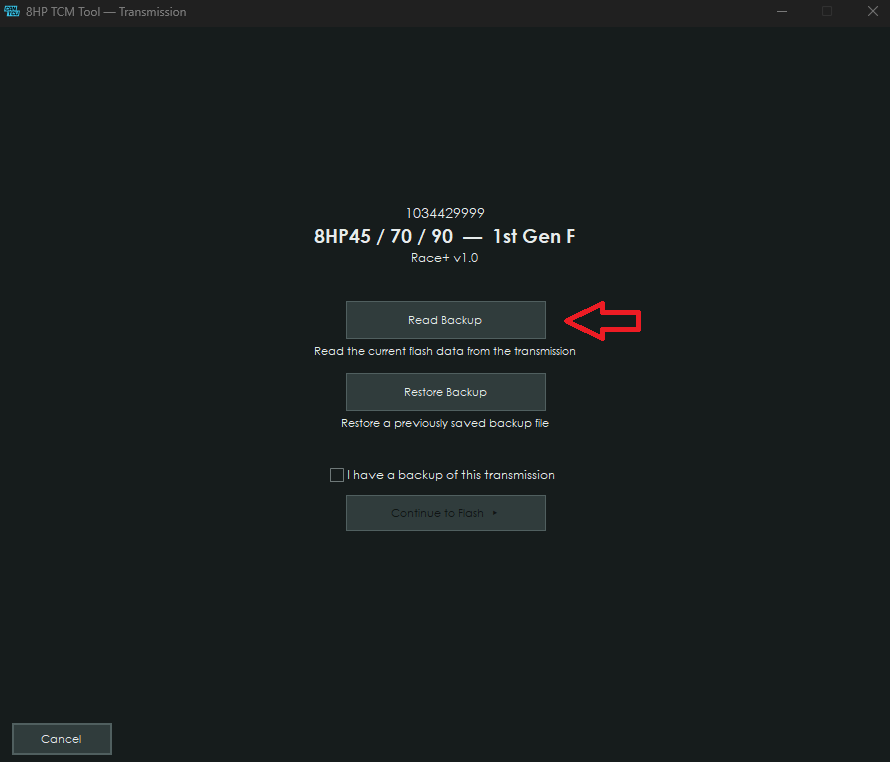
Choose a safe location for the .ctbak file.
NOTE: Be sure to create and keep a backup before modifying a stock transmission.
¶ Restore a backup
Select:
Restore Backup
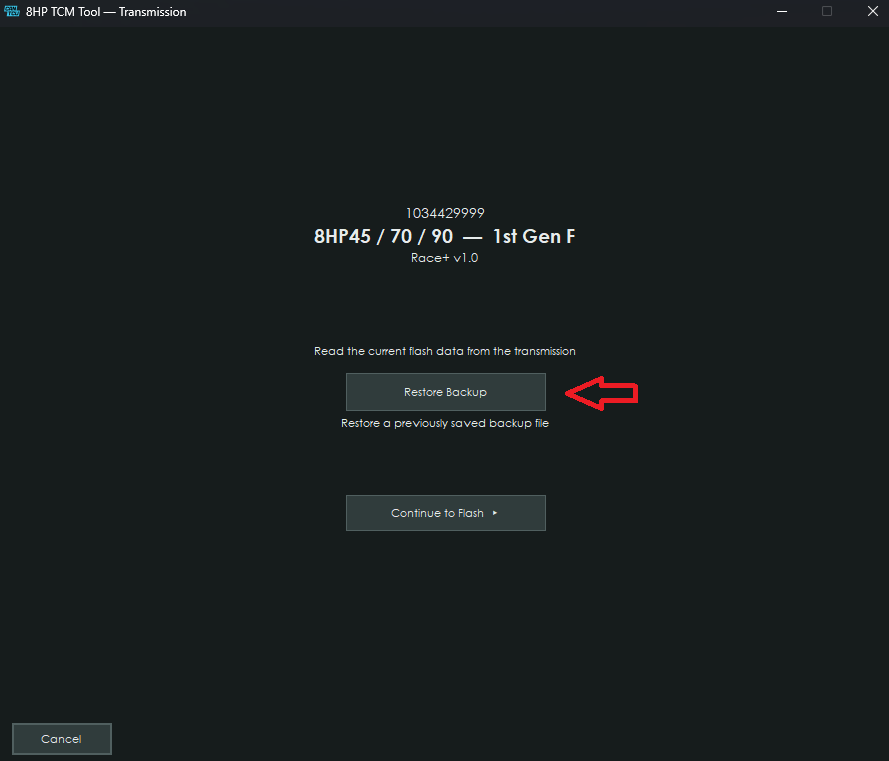
Choose the .ctbak file created from that transmission.
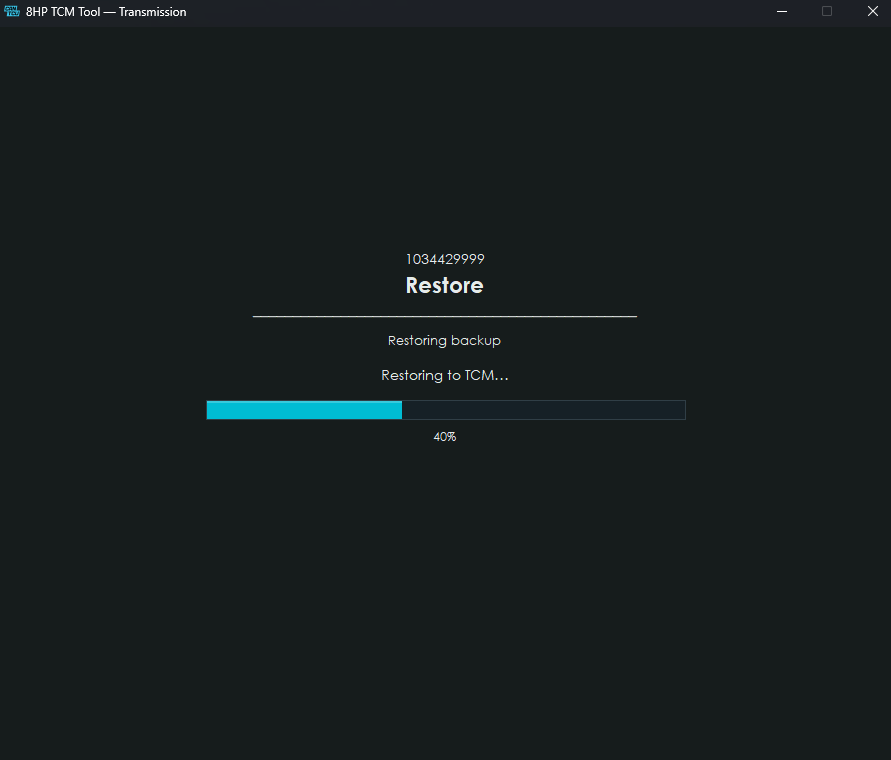
The TCM Tool checks the backup before programming starts.
Follow the on-screen instructions until the restore is complete.
¶ Race+
A stock backup created before installing Race+ can be used later to return the transmission to its backed-up state.
Backup reading is not available while Race+ is installed.